A team for every client. Everyone sees just what they should.
Teams keep companies and clients apart. Invite people by e-mail, give them a role in the team and on each project, and decide who sees the money.
Already have an account? Log in
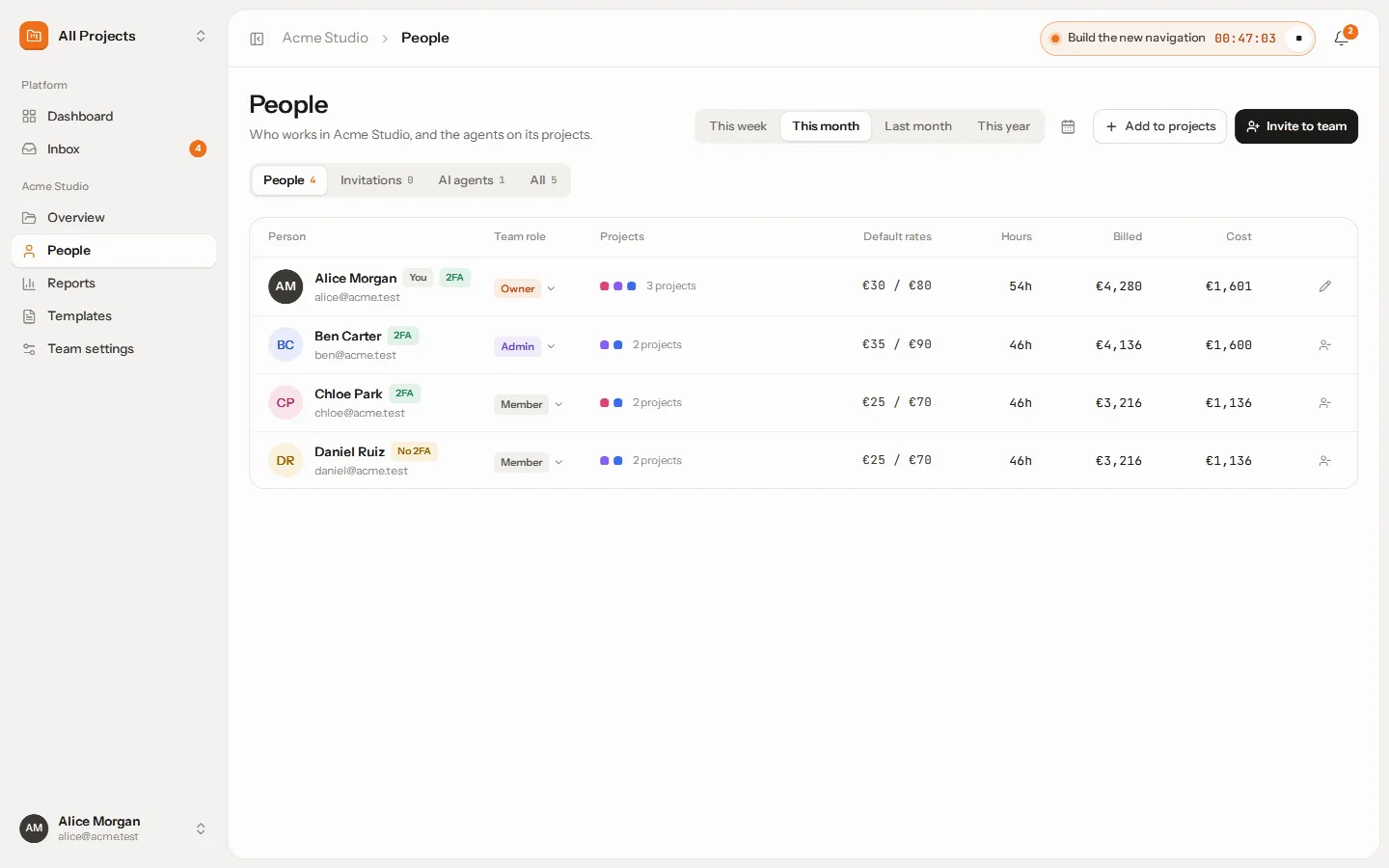
A team for every company or client
Every account starts with a personal team, and you can create or join as many teams as you need. People and projects in one team never see another team’s work.
- The team follows the project you open, no switching by hand
- Team templates and default rates for each team
- Hand a team over by transferring its ownership
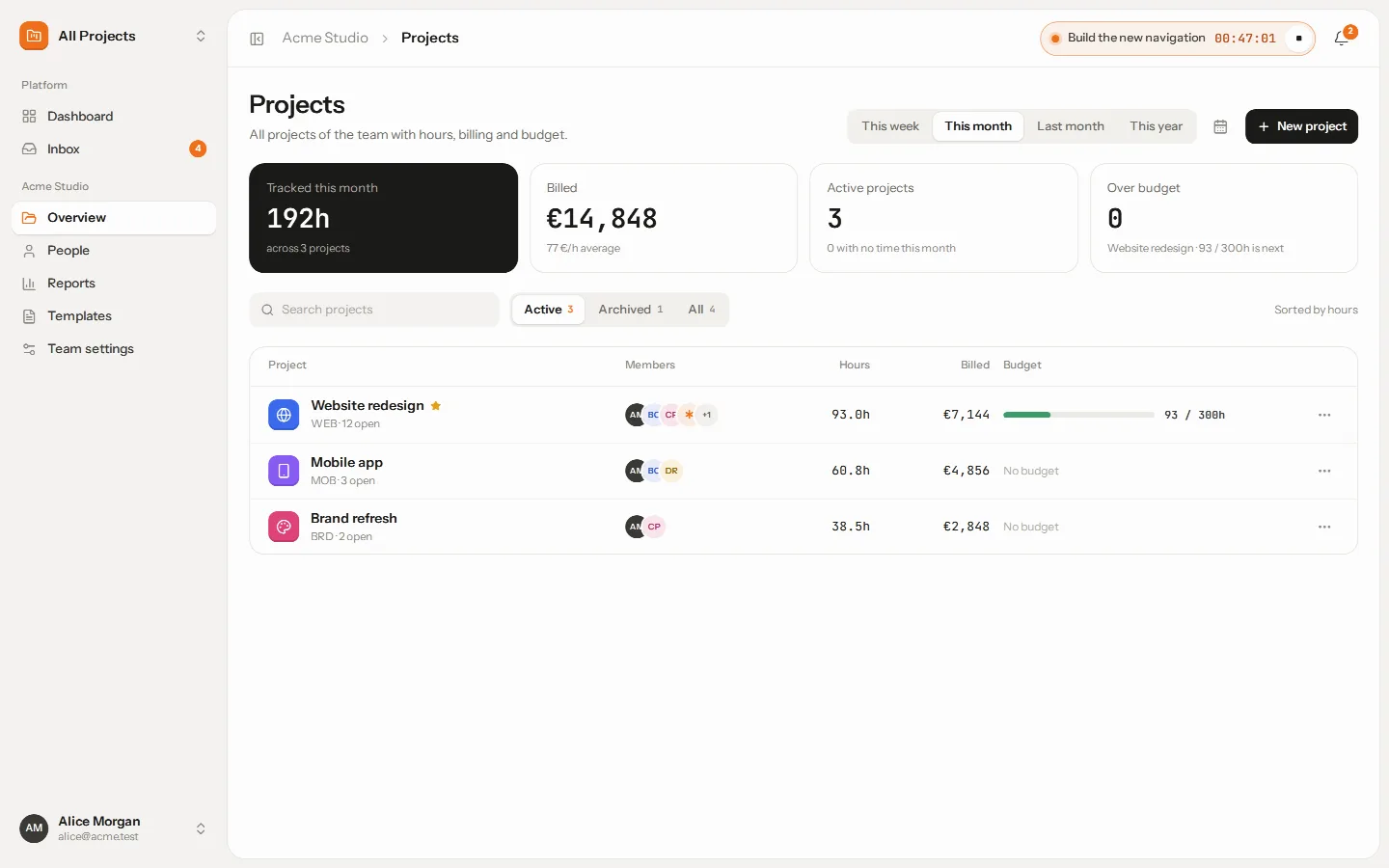
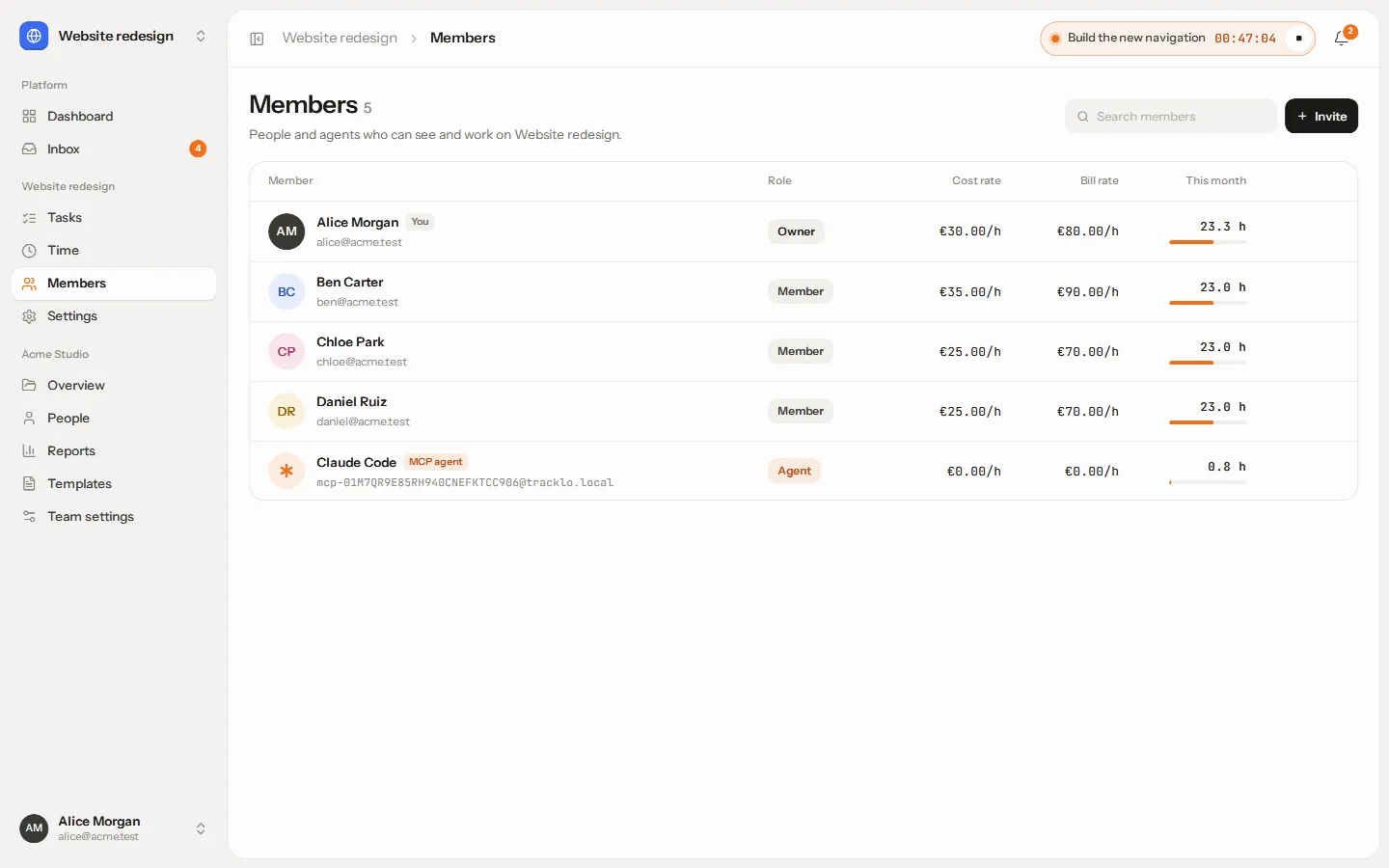
Roles on the team and on each project
Team owners and admins run the team: its people, settings and money. Project owners manage their projects. Members work on the projects they are added to and see only their own time.
- Owners and admins of a team manage all its projects
- Only the author edits their own comments, files and time entries
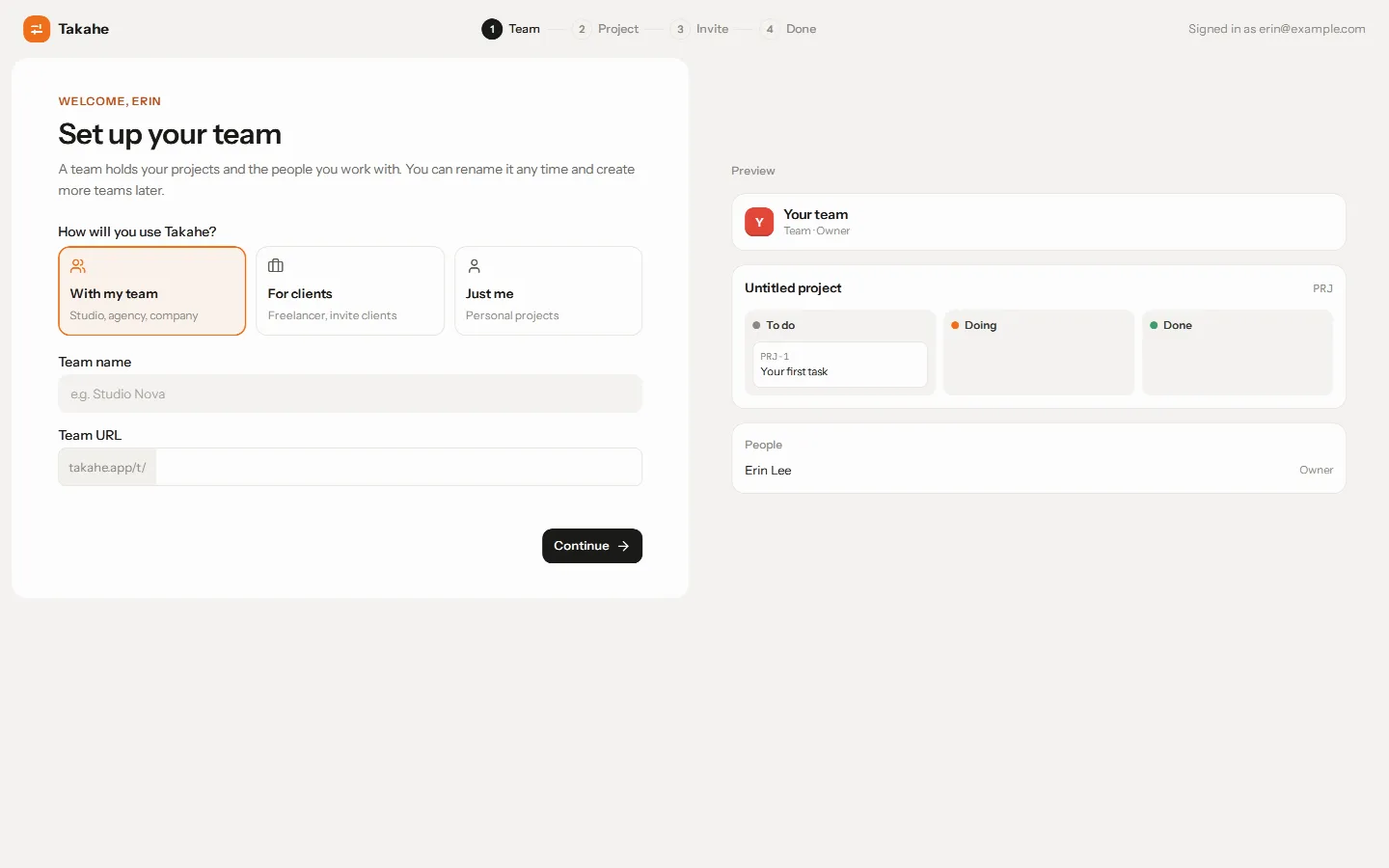
Up and running in minutes
After sign-up, a short wizard creates your team and first project and invites your people. Invited teammates skip it and go straight to their team or project.
- Invitations by e-mail, with a role, valid for 14 days
- Add new people to a project right away
Your account stays yours
Sign in with a passkey, using Face ID, Touch ID, Windows Hello or a security key, or add two-factor authentication to your password. Changing your password signs you out everywhere else.
Read more in Account settingsAnd there’s more
-
Personal team
Every account has one for your own projects.
-
E-mail invitations
Invite people to a team or straight to a project.
-
Team templates
Reuse your team’s lists and starter tasks.
-
Default rates
Each person’s rates, set once per team.
-
AI agents
Agents work on one project and never join the team.
-
Passkeys and 2FA
Sign in without a password, or add a second factor.
FAQ
Questions, answered
Can I invite clients to Takahe?
Yes. Pick “For clients” when you set up, then invite your client to the team or straight to one project. As a member, they see only the projects they are on and never your rates.
What is the difference between team and project roles?
A team role (owner, admin or member) decides who runs the team. A project role (owner or member) decides who manages each project. Owners and admins of a team manage all its projects.
Can I be in more than one team?
Yes. Join as many teams as you need. The project switcher groups your projects by team, and the team changes with the project you open.
How do I keep my account secure?
Add a passkey or turn on two-factor authentication in your account settings, under Security.
Learn more
Stop guessing where the time went.
Create your account, set up your first project and track your first hour in a few minutes.
Already have an account? Log in